


365 Business Central Credit Card Devices

365 Business Central Credit Card Devices help Microsoft Dynamics 365 Business Central users evaluate payment terminals and related hardware for retail counters, wholesale counters, mobile checkout, kiosks, unattended environments, and other payment workflows. This page organizes device references from the supplied directory and connects hardware evaluation to Business Central payment-processing resources.
365 Business Central Credit Card Devices Overview
The directory provides a practical starting point for identifying card-present devices and related payment hardware. Each device card links to an external Datacap product page supplied in the source HTML. The directory includes countertop terminals, handheld devices, mobile devices, kiosk hardware, tablet-based equipment, and unattended-payment options.
The Business Central payment-processing workflow is broader than selecting a terminal. A useful evaluation also considers where payments are accepted, whether the transaction is card-present or remote, how users initiate and complete payment activity, and how posted transactions are reviewed and reconciled inside the business process.
Device Evaluation Considerations
365 Business Central Credit Card Devices Selection Criteria
- Business location: Determine whether the device will be used at a retail checkout, wholesale counter, office workstation, mobile location, kiosk, or unattended station.
- Physical format: Compare countertop, customer-facing, handheld, mobile, tablet, and embedded device designs.
- Transaction workflow: Identify whether users need card-present checkout, customer-facing interaction, mobile collection, or attended and unattended payment scenarios.
- Deployment planning: Verify the device model, connection method, processor requirements, merchant configuration, and installation responsibilities before ordering equipment.
- Lifecycle status: Separate current devices from legacy devices that may remain supported but are no longer available through normal distribution channels.
Use Device Links as Evaluation References
The cards below retain the external device links and image references from the supplied HTML. Open an individual listing to review the provider's device material, then confirm Business Central applicability for the intended customer workflow.
Current Compatible Device Directory
Current Compatible Device Directory
Select a device to view the provider device page.
-
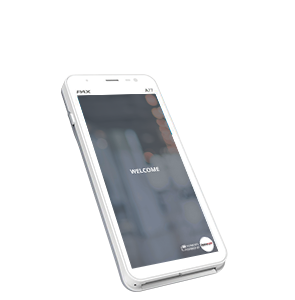 PAX A77
-
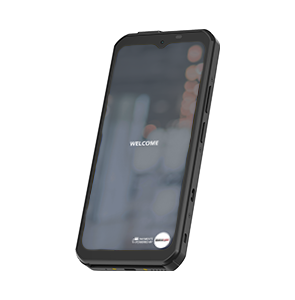 PAX A6630
-
 PAX A6650
-
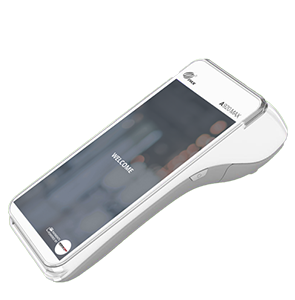 PAX A920MAX
-
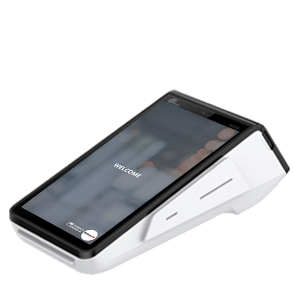 PAX A800
-
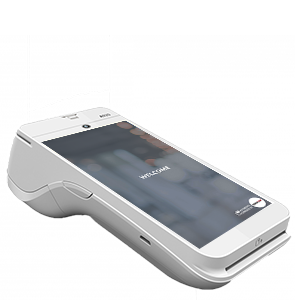 PAX A920 Pro
-
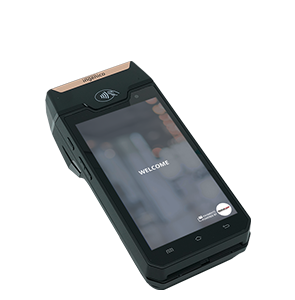 Ingenico DX4000
-
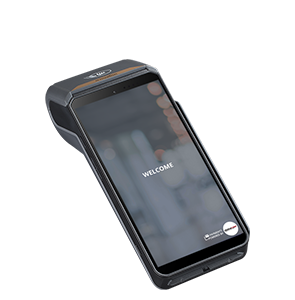 Ingenico DX8000
-
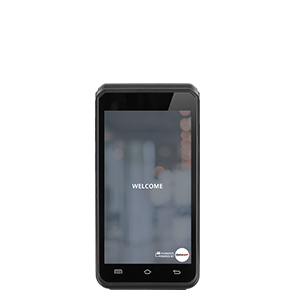 Ingenico EX6000
-
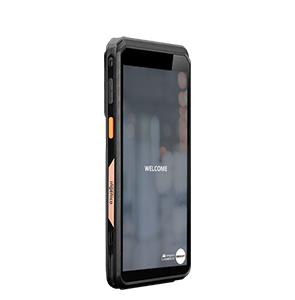 Ingenico EX8000
-
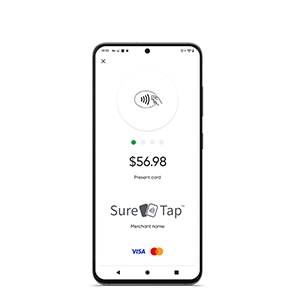 SureTap SoftPOS Solution
-
 Touch Dynamic Handheld
-
 Landi M20
-
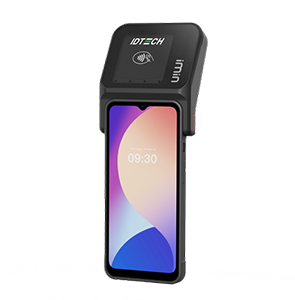 iMin Swift 1 Pro
-
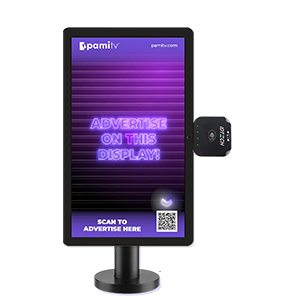 PamiTV PamiPOP
-
 ID TECH VP3350
-
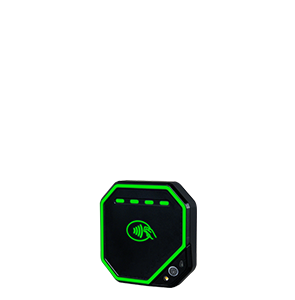 ID TECH VP7200
-
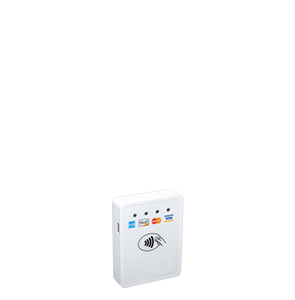 ID TECH VP3300
-
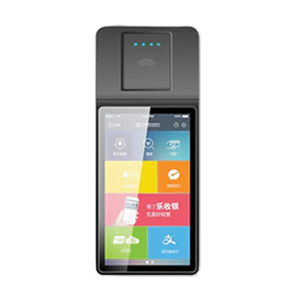 Kaissen KT-700
-
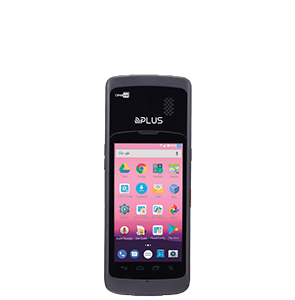 mPlus Hera51
-
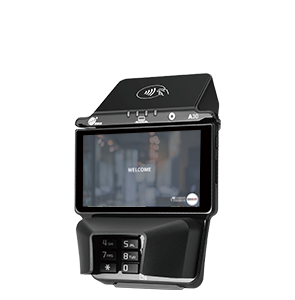 PAX A30
-
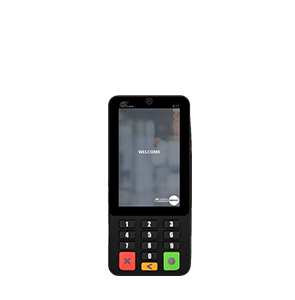 PAX A35
-
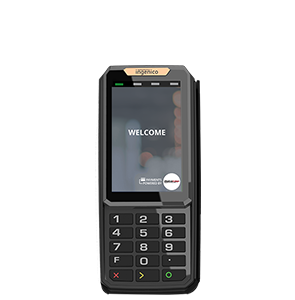 Ingenico RX5000
-
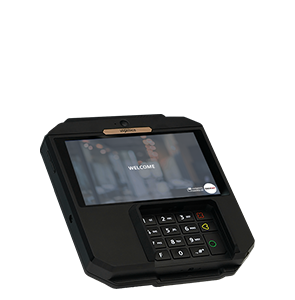 Ingenico RX7000
-
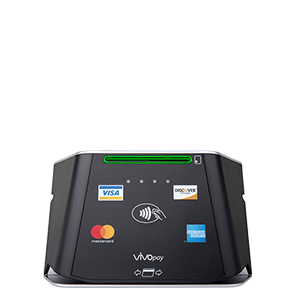 ID TECH VP8300
-
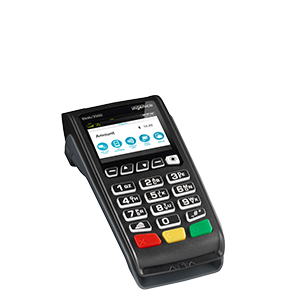 Ingenico Desk/3500
-
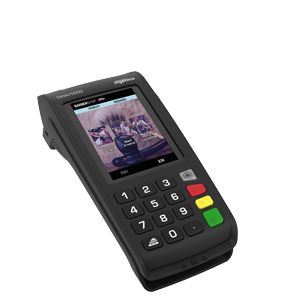 Ingenico Desk/5000
-
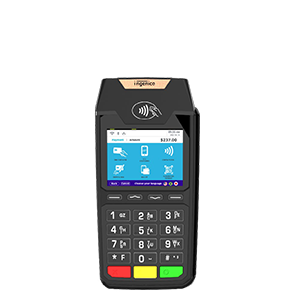 Ingenico Lane/3600
-
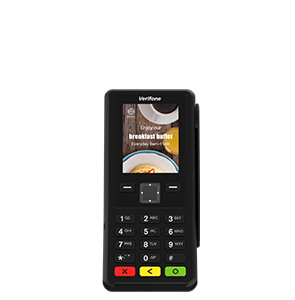 Verifone P200
-
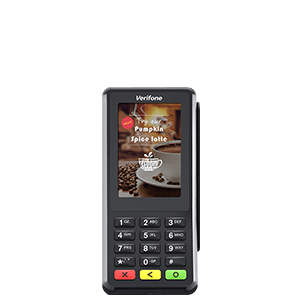 Verifone P400
-
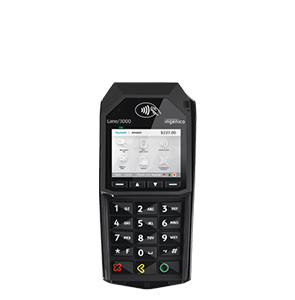 Ingenico Lane/3000
-
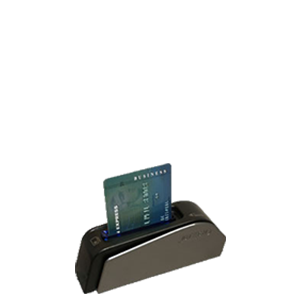 ID TECH Augusta
-
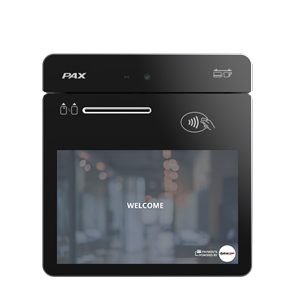 PAX A3700
-
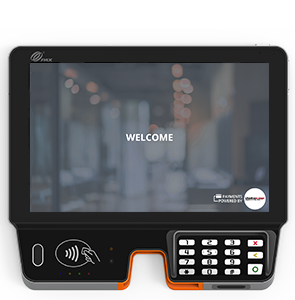 PAX Aries8
-
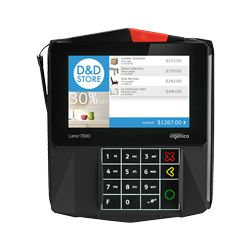 Ingenico Lane/7000
-
 Ingenico Lane/8000
-
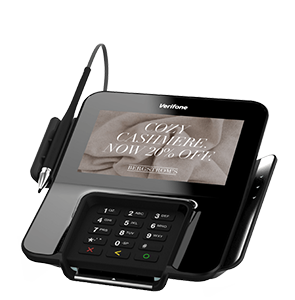 Verifone M400
-
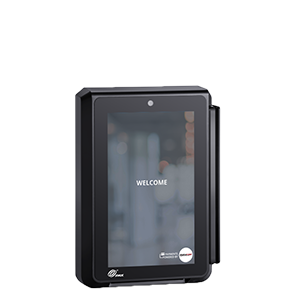 PAX IM30
-
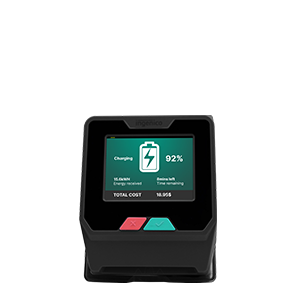 Ingenico Self/3000
-
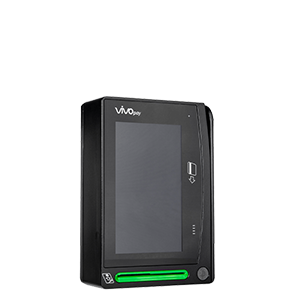 ID TECH VP6800
-
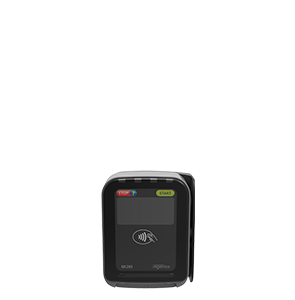 Ingenico iUC 285
-
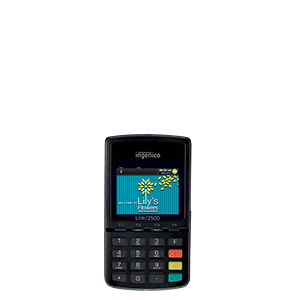 Ingenico Link/2500
-
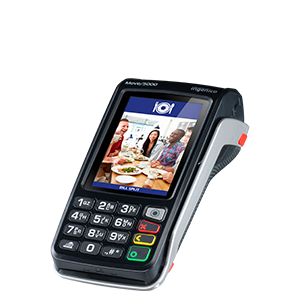 Ingenico Move/5000
-
 CRS Kiosks
-
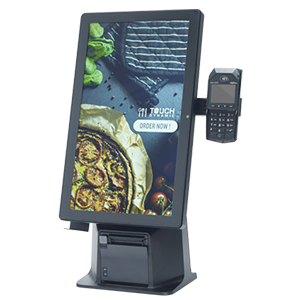 Touch Dynamic Kiosks
-
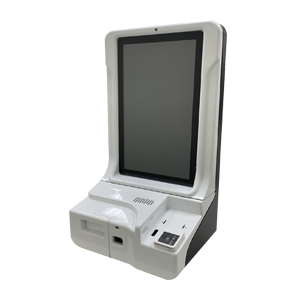 Mplus Kiosks
-
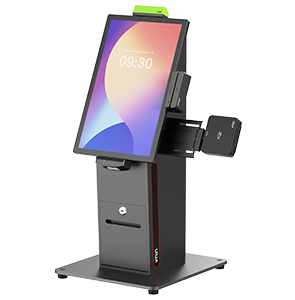 iMin Crane 1
-
 Pioneer Kiosks
-
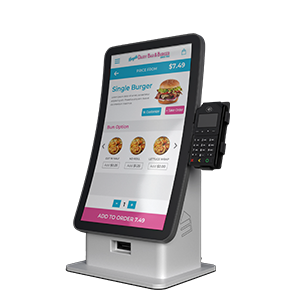 Pye Kiosks
-
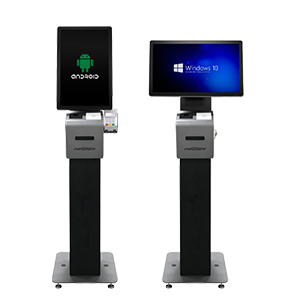 Partner Tech Kiosks
-
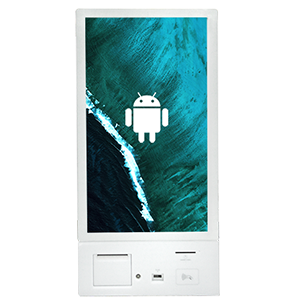 TEAMSable RM Series
-
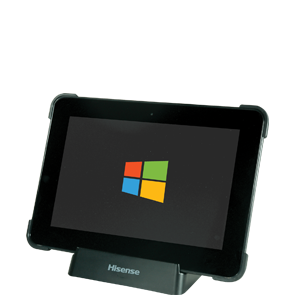 CRS Tablets
-
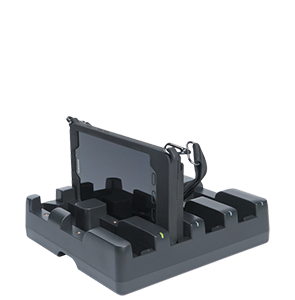 MTech Tablets
-
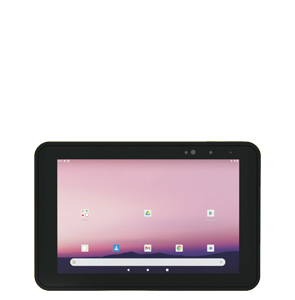 Oona Payments Tablets
-
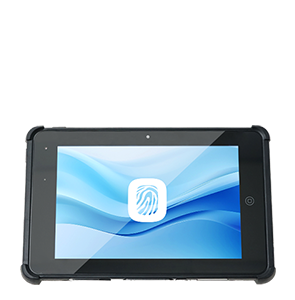 Touch Dynamic Quest Tablet
-
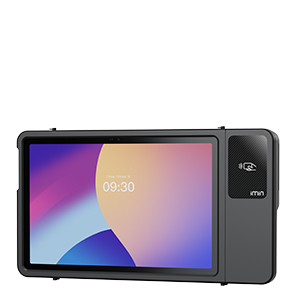 iMin Falcon 2
-
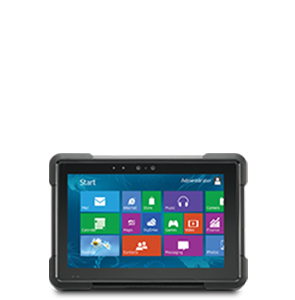 Partner Tech M3W-2
-
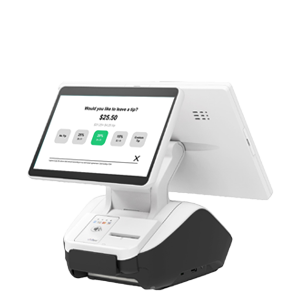 Partner Tech Cleo
-
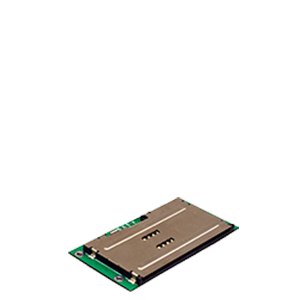 ID TECH Minismart II
Legacy EMV Devices
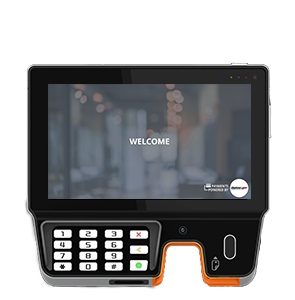
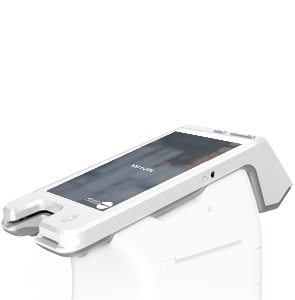
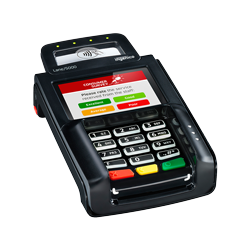
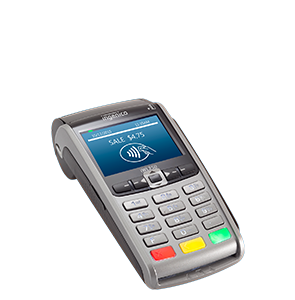
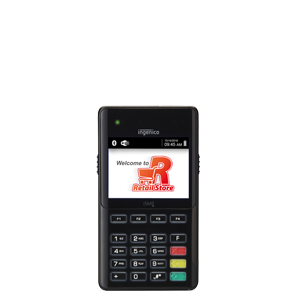
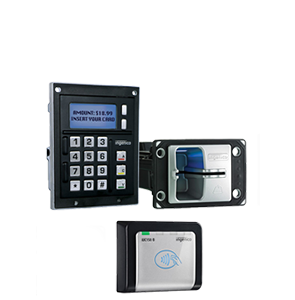
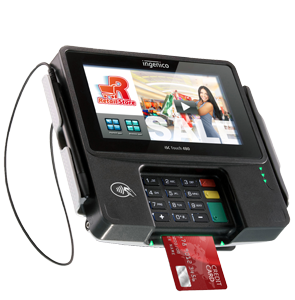
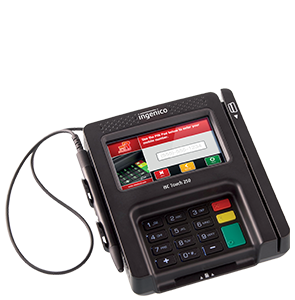
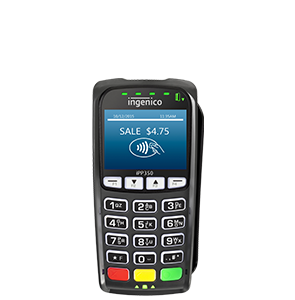
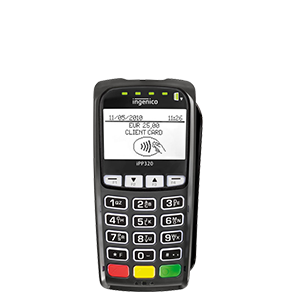
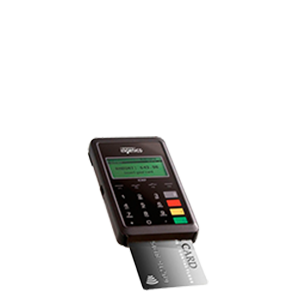
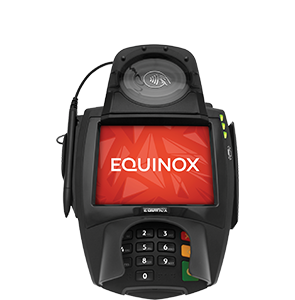
Legacy EMV Device Directory
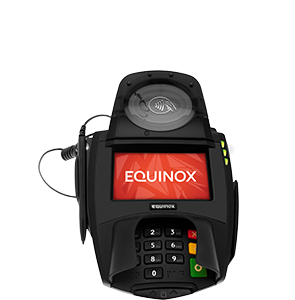
These devices are identified in the source as supported legacy devices that are no longer available through distribution channels.
Example Business Workflows
Retail Counter Checkout
A cashier works at a fixed checkout station while the customer uses a customer-facing terminal. The implementation team confirms the terminal model and payment-processing configuration before deployment.
Wholesale Counter Payment
A counter user processes payment while completing a customer order. The selected device must fit the physical counter arrangement and the documented Business Central payment workflow.
Mobile or Handheld Collection
A user collects a card-present payment away from a fixed register using an approved handheld or mobile device. Device connectivity, processor support, and the operational workflow must be validated as a complete solution.
Kiosk or Unattended Payment
A customer interacts with a kiosk or unattended device. The project team evaluates the hardware format and confirms that the intended payment scenario is supported before equipment is ordered.
Finance Review and Reconciliation
After payment activity is completed, finance users review transactions and reconcile the payment workflow with Business Central records according to the configured processing solution.
Conclusion
365 Business Central Credit Card Devices should be selected as part of the complete payment-processing design rather than as isolated hardware. Use the directory to identify candidate devices, then verify the exact model, deployment scenario, payment-processing configuration, and Business Central workflow before purchasing or installing equipment.
Related Business Central Payment Processing Resources
Looking for additional Business Central Payment Processing information? Visit our Business Central Payment Processing Page.
Looking for the Business Central Payment Processing User Guide? Visit our Credit Card and ACH Processing for D365 Business Central User Guide.
View the Microsoft AppSource page for Business Central Payment Processing.