


Microsoft Dynamics 365 Mobile Inventory
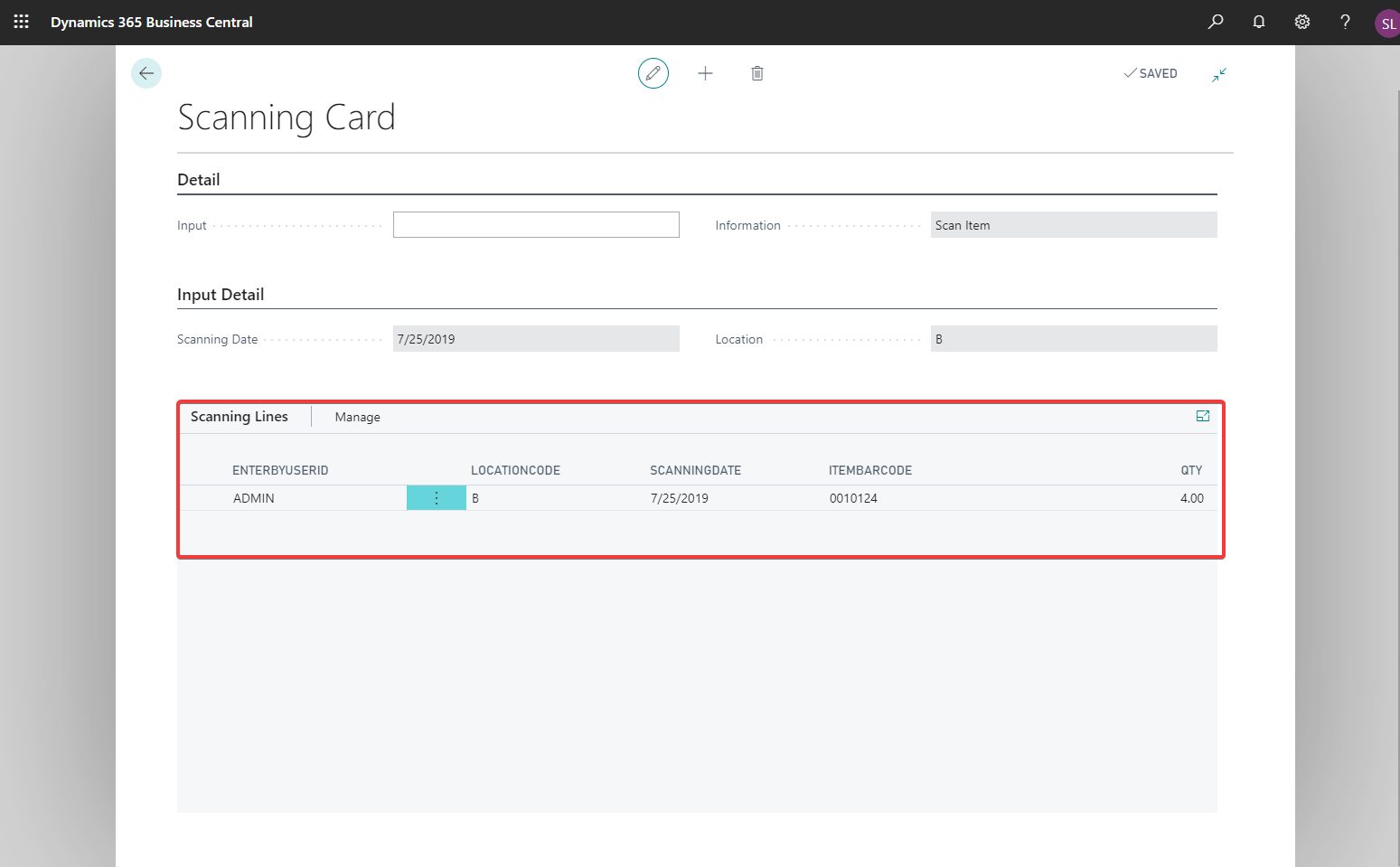
Business Central 365 Mobile Inventory Extension
Performing a physical inventory of your store, stockroom, or warehouse doesn’t need to be difficult. Microsoft Dynamics 365 Business Central simplifies the process of conducting physical inventory counts, making it a seamless experience for users. With just a few clicks, you can execute a thorough physical count all within the Business Central platform. To expedite the inventory process, System Solutions has developed the Mobile Inventory Scanning App. This powerful Microsoft Dynamics 365 Mobile Inventory extension allows you to swiftly scan barcodes, eliminating the need to manually enter item numbers, which saves time and minimizes errors. There is no faster or easier way to efficiently manage and enter your products on hand!
Business Central, in conjunction with System Solutions’ Mobile Inventory Scanning App, significantly accelerates the often cumbersome physical inventory process while also reducing errors, ensuring accurate stock levels. The app is designed to streamline your workflow, allowing your team to focus on what truly matters—serving your customers and optimizing your operations. With features like real-time inventory tracking and easy integration with your existing systems, this tool is indispensable for any business looking to enhance inventory management.
Click here to view details about the 365 Mobile Inventory App for Business Central on AppSource. If you don’t yet have Business Central, don’t hesitate to reach out to sales@syssolutionsllc.com”>sales@syssolutionsllc.com today to discover how this powerful tool can revolutionize your inventory management!
Understanding the importance of accurate inventory management is crucial for businesses of all sizes. Inventory discrepancies can lead to financial loss, reduced customer satisfaction, and a host of operational inefficiencies. By utilizing the Mobile Inventory Scanning App within Microsoft Dynamics 365 Business Central, you can ensure that your inventory counts are precise and up-to-date. Imagine a scenario where an employee spends hours counting products manually, only to find that the results don’t match the expected stock levels. This not only wastes time but also creates frustration among staff and can negatively impact customer service. With the Mobile Inventory Scanning App, those days are over.
To view a full list of Extensions for Microsoft Dynamics 365 Business Central click here.