

Skip to content

Run Your Entire Business With One Software

+1 (860) 781-9986

Speak with an expert

+1 (860) 781-9986

  • Home
  • About Us
    • Who we are

      Learn more about our company

      Case Studies

      Proven Results

      Referral Program

      Gain More For Less

      Ready to talk about your business?

      Get in touch with one of our experts to get started today!

      Contact Us Let's Talk
      Sys-solutions-microsoft-partner
    • Who we are
    • 365 Business Central Case Studies
    • Referral Program
  • Menu iconIndustries
    • Agriculture and Farm
    • Distributor
    • Foodservice Equipment and Supplies
    • Garden, Nursery and Landscape
    • Hardware
    • Lumber & Building Material
    • Pet Supply
    • Power Equipment
    • Rental
    • Retail
    • Supply House
  • Service
    • System Configuration
    • Data Migration
    • Software Extensions
    • Supplier Integration
  • Blog
  • Contact
  • Menu iconVideos
  • BC Extensions
  • RMS

Quickly manage account sales in Microsoft Dynamics 365 Business Central

Managing account sales is a delicate balancing act. Slow your customers down during purchase and they may not come back. However, if you fail to capture validating information at time of sale, you will delay receipt of payment or worse, not get paid. Shuffling paper is not an efficient solution; Enter the Store Account Management Tools extension for Microsoft Dynamics 365 Business Central.

The Store Account Management Tools app prompts your sales staff to capture specific information at time of Invoice or Credit (return). You can electronically capture a signature, PO number, and buyer information quickly, and print on your customers Invoices and Credit Memos, and store with the Document in Dynamics 365 Business Central. These features are crucial for businesses selling to house accounts.

sig cap 2
Quickly manage account sales in Microsoft Dynamics 365 Business Central 2

Click here to download the Store Account Management Tools app today and get a free trial! Want to learn more about Business Central? Contact sales@syssolutionsllc.com to learn how Business Central can streamline the processes of your small or medium sized business!


Share this post
Facebook
Twitter
LinkedIn
WhatsApp

More from the category

Save Time with Copy Documents in Business Central
October 28, 2026
AI Tools for Business
October 28, 2026
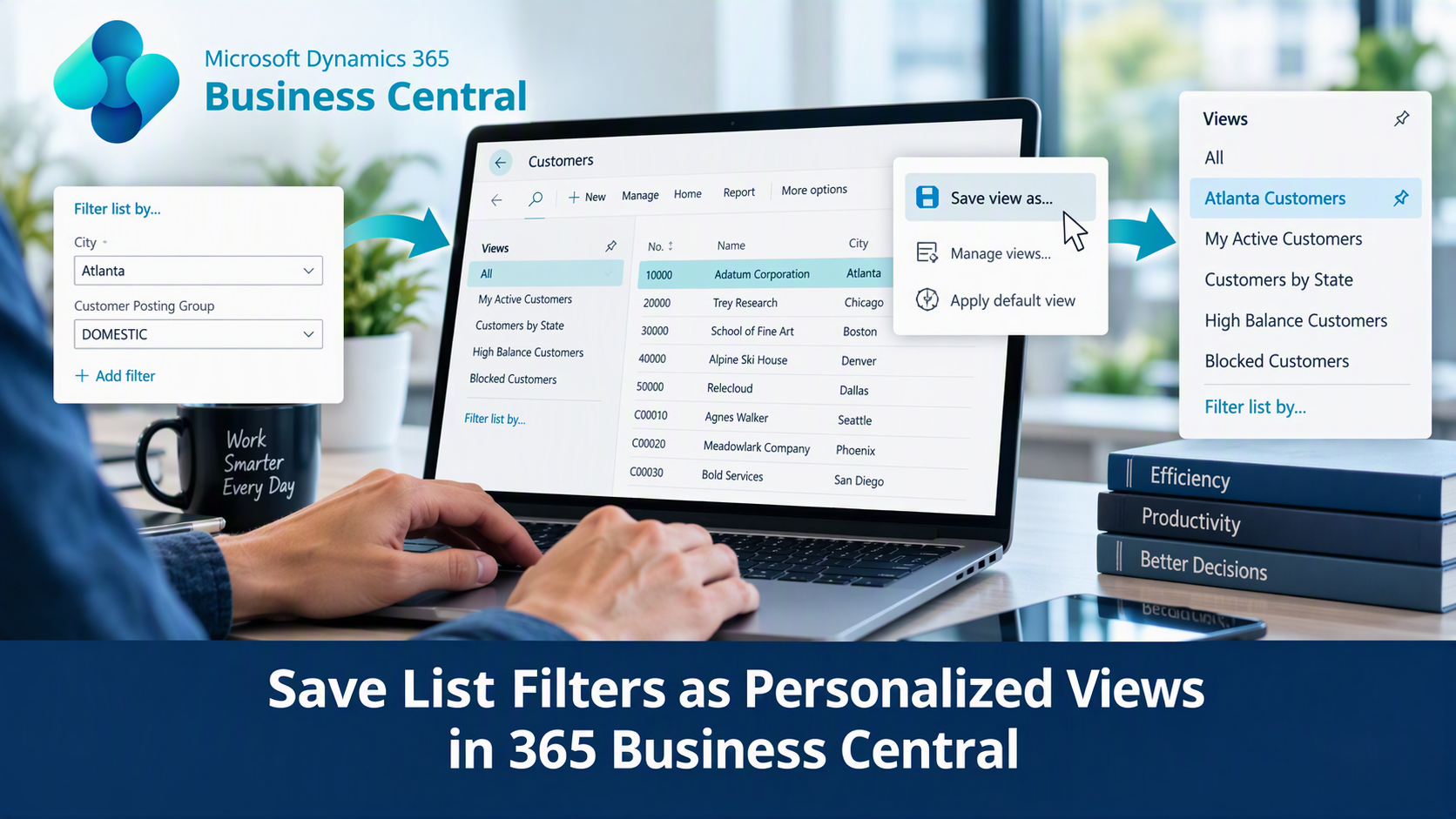
Save List Filters as Personalized Views in 365 Business Central
September 30, 2026
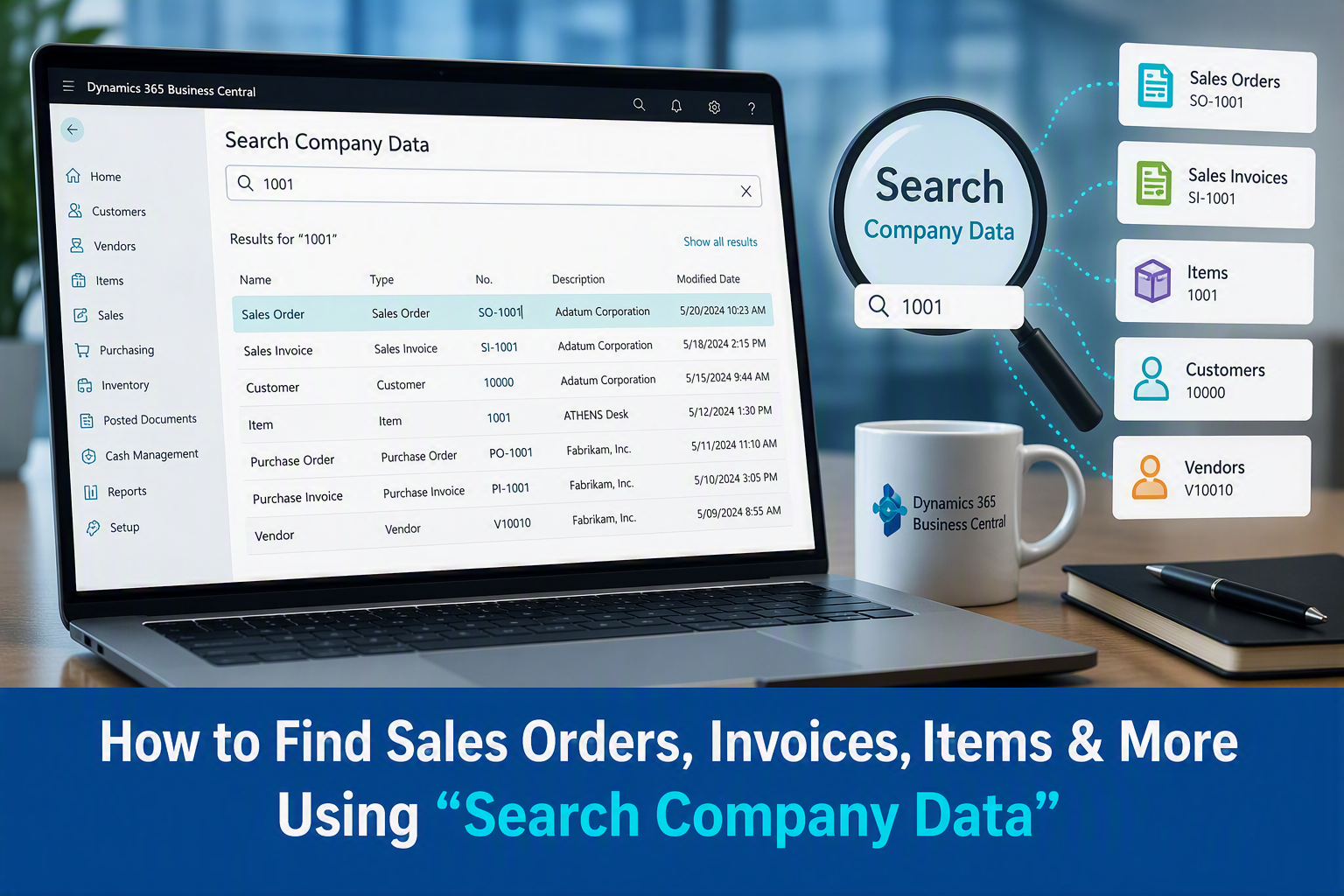
“Search Company Data” in 365 Business Central
August 25, 2026
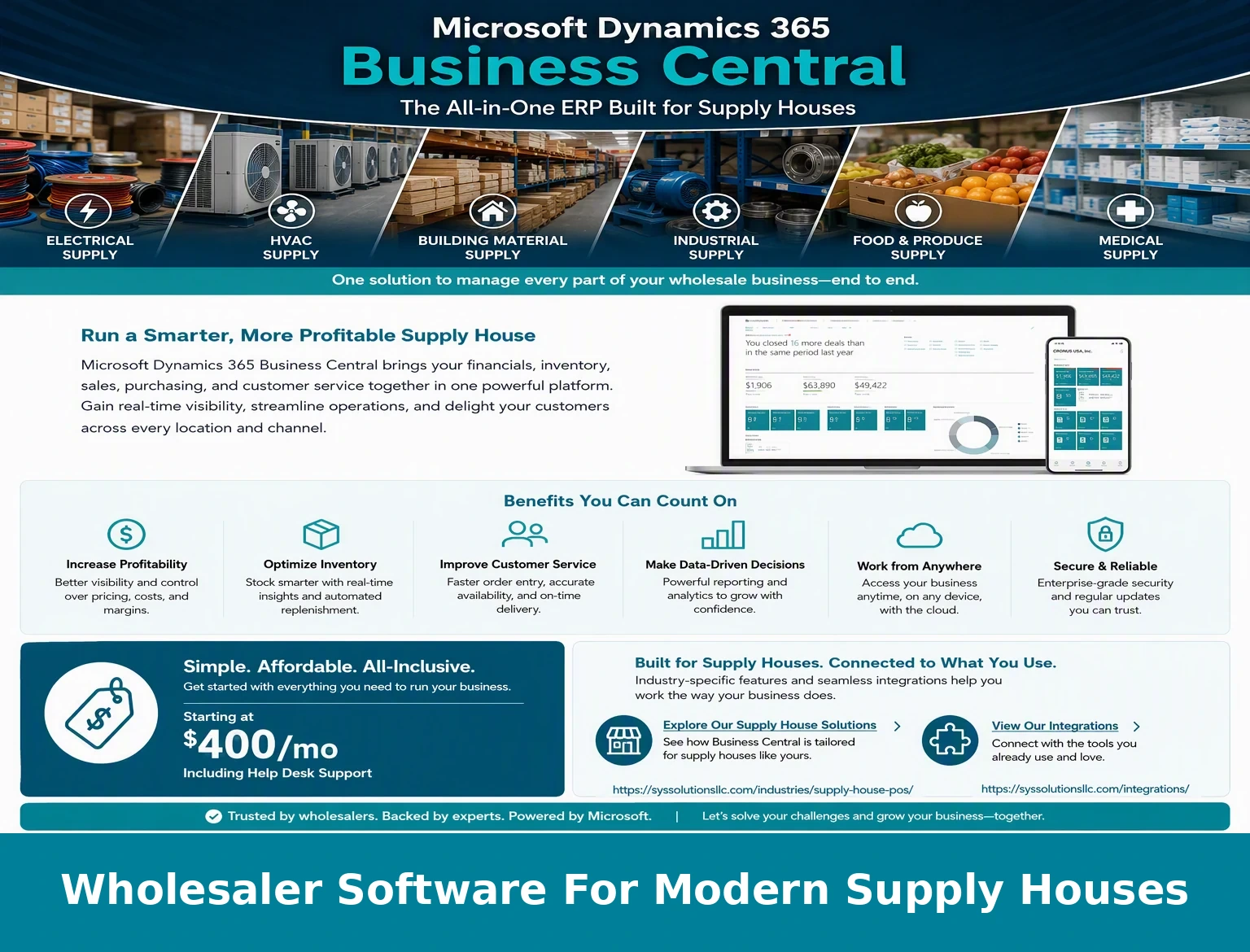
Wholesaler Software Supply House ERP
August 25, 2026
AI-First POS
July 23, 2026

Contact info

Sales Call

+1 (860) 781-9986

Support Call

+1 (860) 781-6379

Fax

1-860-397-6344

Location

80 Eastern Boulevard Suite 2 Glastonbury, CT 06033

Our services

  • System Configuration
  • Data Migration
  • Software Extensions
  • Supplier Integration
  • System Training

Newsletter signup

Sign up to our monthly newsletter for useful articles, tips and tricks.

© System Solutions, LLC. All rights reserved.

Design by System Solutions, LLC. All trademarks are the property of their respective owners.

Privacy Policy
Go to Top

Menu

  • Home
  • About Us
    • Who we are
    • 365 Business Central Case Studies
    • Referral Program
  • Menu iconIndustries
    • Agriculture and Farm
    • Distributor
    • Foodservice Equipment and Supplies
    • Garden, Nursery and Landscape
    • Hardware
    • Lumber & Building Material
    • Pet Supply
    • Power Equipment
    • Rental
    • Retail
    • Supply House
  • Service
    • System Configuration
    • Data Migration
    • Software Extensions
    • Supplier Integration
  • Blog
  • Contact
  • Menu iconVideos
  • BC Extensions
  • RMS

Get free consultation

(860) 781-7136